
Easy Mail - Email Launcher
Visual Data
Briefing
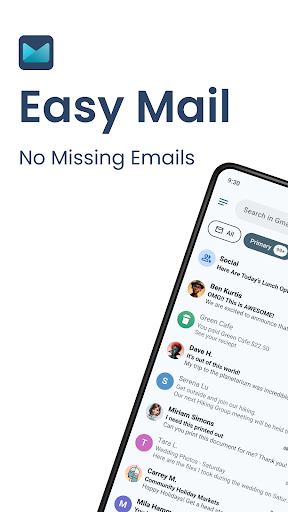
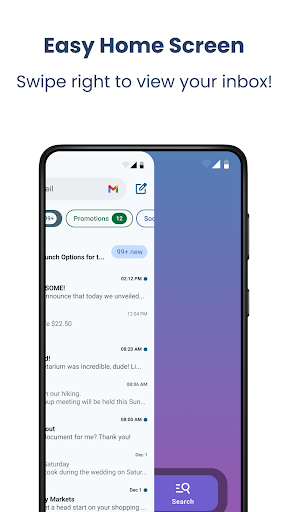
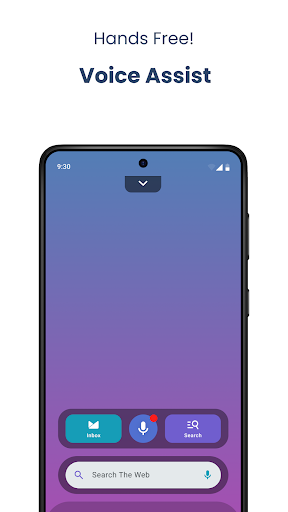
Easy Mail - Email Launcher is an intuitive Android app that transforms your default email experience by offering quick access to your inbox directly from your home screen. This launcher app simplifies managing your emails, providing a streamlined app based solution that enhances productivity and helps organize your communication effortlessly.
Core Data
Core Features
- Customizable home screen with intuitive app shortcuts to access your email quickly.
- Includes advanced app features like real-time sync and notification management for seamless email access.
- Provides an efficient launcher app experience by organizing your inbox and app icons effectively.
- Supports offline mode, allowing users to access emails even without an internet connection.
- Offers personalization options such as themes and layouts to tailor the app experience to your preferences.
- Enables quick launcher actions to streamline email tasks directly from the home screen.
- Includes security features like app password protection to ensure trustworthiness and privacy.
Who This App Is For
This mobile app is ideal for anyone who wants a streamlined email experience on their Android device. It suits busy professionals, students, or anyone managing multiple accounts who values quick access and customization.
Perfect for users looking for an app-based solution that simplifies email management, allows easy organization, and enhances convenience in daily communication scenarios.
Why Choose This App
This Android app stands out with its focus on simplicity and rich app features that improve overall app experience. It offers an efficient launcher app that makes email management faster and more personalized.
Designed with user needs in mind, it provides a trusted, app-based solution that addresses common frustrations such as clutter and slow loading, ensuring a reliable and enjoyable experience.
System Features
Simplifies email management on your device
Enhanced productivity with AI email assistance
Quickly draft and respond to messages
Prioritize emails with intelligent sorting
Consolidates multiple email accounts seamlessly
Stay updated with news and trending topics
Protects your privacy with secure data handling
Organizes your apps and content effortlessly
Advantages
- +Easy to navigate and customize email launcher settings with minimal effort.
- +Allows instant launching of multiple email accounts from a single widget, improving efficiency.
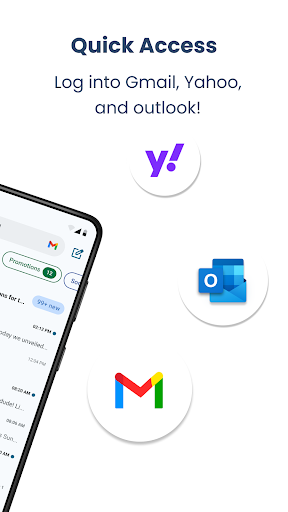
- +Compatible with popular email providers like Gmail, Outlook, and Yahoo, ensuring versatility.
- +Offers customization options for icons and labels, enhancing personalization.
- +Does not consume significant system resources, maintaining device speed and battery life.
Limitations
- -Users may find the widget layout less flexible compared to some competitors, but future updates may improve this.
- -Performance issues may arise on devices with lower specifications; closing background apps or updating the OS can help.
- -The app mainly serves as a launcher without additional email sorting or notification functionalities, but integrating with native email apps mitigates this.
- -Some advanced features are locked behind a premium version, which may be a barrier for some users; the developer plans to add more free options in future updates.
- -Guided tutorials or onboarding would improve user experience, and the developer is expected to streamline this in upcoming releases.
Download Protocol
[SECURE LINK] You are being redirected to the official app store.
FAQ Protocol
Q: Is Easy Mail - Email Launcher easy to set up on my Android device?
Yes, Easy Mail - Email Launcher is designed to be user-friendly and straightforward to set up on most Android devices. Its intuitive interface allows users to customize their email experience with minimal effort.
Whether you're new to launcher apps or experienced, you'll find the setup process simple and quick, making it a great app-based solution for managing your emails efficiently.
Q: What are the main features of Easy Mail - Email Launcher?
This mobile app offers various app features that enhance your email management, including customizable shortcuts, quick access to your inbox, and an organized interface. It combines functionality with a sleek design to improve your app experience.
Its app features focus on streamlining your workflow by turning your email into a more accessible and engaging part of your Android device. It's a tailored launcher app that adapts to your personal needs.
Q: Is Easy Mail - Email Launcher safe to use? Does it respect my privacy?
Security and privacy are priorities for this app-based solution. Easy Mail - Email Launcher is developed by trusted developers with a focus on safeguarding user data. It does not collect unnecessary personal information.
As with any mobile app, it's important to keep the app updated. Regular updates ensure you have the latest security patches, making it a trustworthy choice for managing your emails on Android devices.
Q: Can I customize the look and feel of Easy Mail - Email Launcher?
Absolutely! One of the strong app features is its high level of customization. You can personalize your launcher app with different themes, layouts, and icon styles that reflect your personal style or preferences.
This flexibility improves your overall app experience, allowing you to craft a unique home screen environment that makes email management more efficient and enjoyable.
Q: Does Easy Mail - Email Launcher work well on all Android versions?
Yes, this Android app is built to support a wide range of Android versions. It functions smoothly on most devices, providing a stable app experience regardless of your device's age or specifications.
For the best experience, ensure your device's software is up-to-date, as this helps maximize compatibility and security when using this launcher app.




