Google Calendar
Visual Data
Briefing
Core Data
🚀Core function highlights
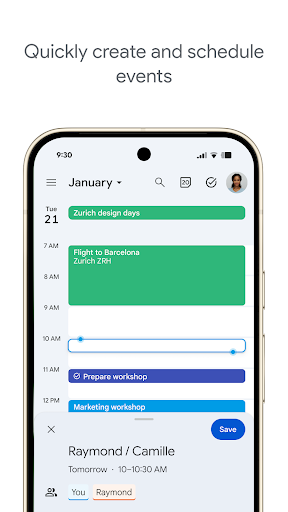
- Super easy to use drag-and-drop scheduling, you can move as much as you want, and change the time of building activities? Just move your fingers!
- Real-time synchronization is reliable. If you change anything on Android and other devices, update it immediately, and you will no longer be afraid of missing your schedule ~
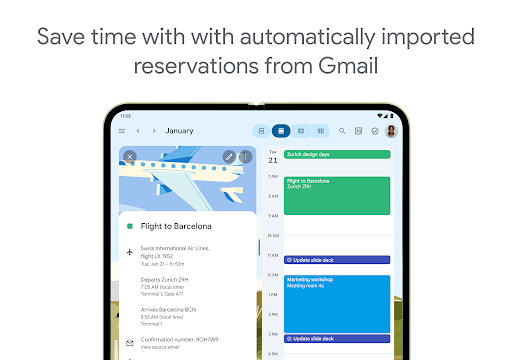
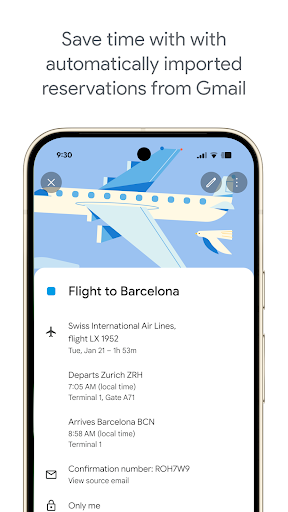
- Working seamlessly with apps such as Gmail and Google Maps, the workflow is unbelievably smooth!
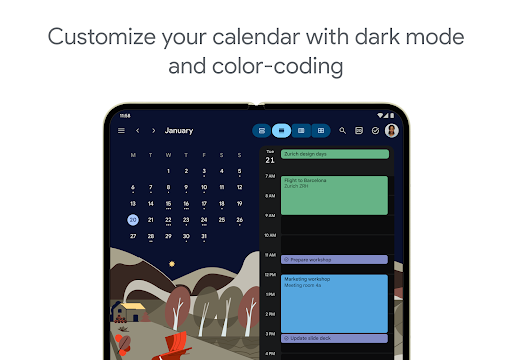
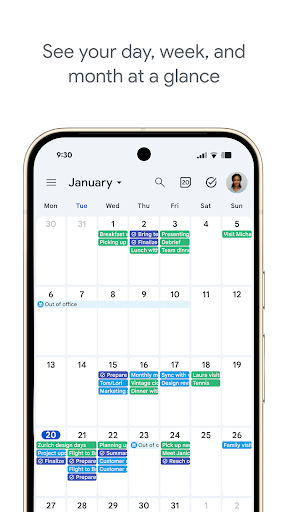
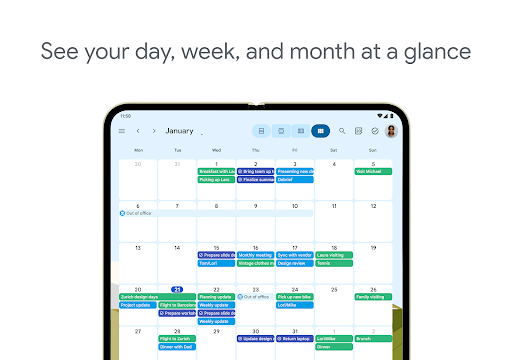
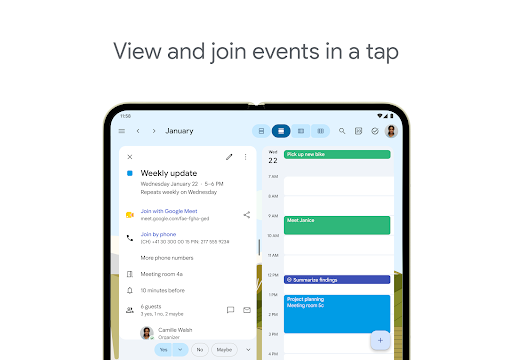
- Cut the daily view, weekly view, and monthly view casually. Want to see the whole picture or the details? Either way.
- Customize reminders and notices to wake you up in advance, and important meetings and deadlines will never be forgotten.
- Sharing calendars is super convenient. Collaborate with family and colleagues and get it done directly in the app.
- You can check your schedule as usual in offline mode, but no Internet? No problem at all, the continuous use experience is full.
- The search and filtering functions are very fast, and you can find the schedule you want with a few clicks. It is definitely a right-hand assistant for busy people!
👥Who is this app suitable for?
Whether you're an office worker, a student party, or a parent who needs to take care of the family's schedule, as long as you're using an Android phone and want a reliable calendar tool to manage all kinds of appointments and affairs, you've come to the right place!
Coordinate work arrangements, plan private activities, or organize groups to do things. It can easily help you get things done, so that you can live clearly day by day. The small blessing in life is that we are no longer chased by chaotic schedules ~
💡Why choose this model?
To be honest, its interface is so friendly, its functions are solid, and it is extremely smooth when synchronized. If you want an App that can really manage your calendar well, it's definitely worth a try!
It is smooth and smooth, and it also particularly understands the real needs of users. Use it to arrange life, and the whole person feels refreshed. For you who are busy, it is an efficiency artifact and one of the most worry-free calendar apps on Android right now.
System Features
This calendar is really easy to use!
Who needs complex operations? It's as simple as turning a page, and the schedule is clear at a glance ~
Mobile phones, computers, tablets... switch seamlessly, and you don't have to worry about synchronization at all!
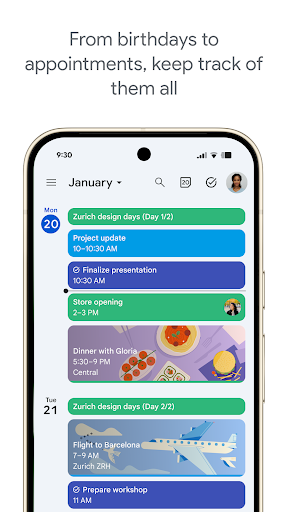
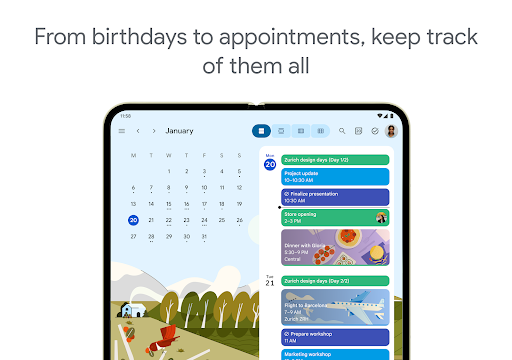
Reading the Timeline is like reading comics. Planning is simply too easy!
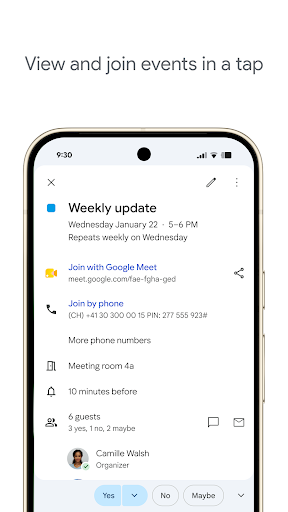
A meeting included in the email? It helps you stuff it into the calendar itself, so you can cry!
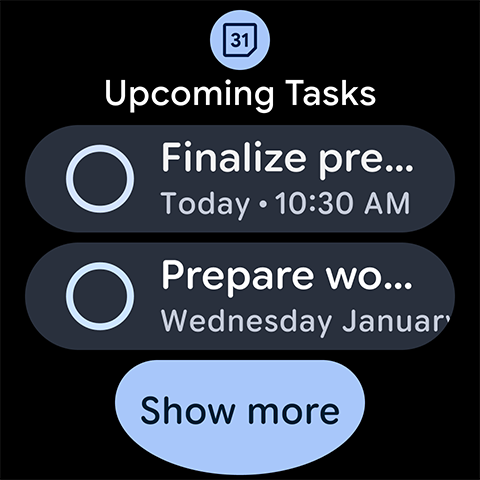
Manage tasks and schedules together? The efficiency doubles directly, and you no longer have to run from two ends!
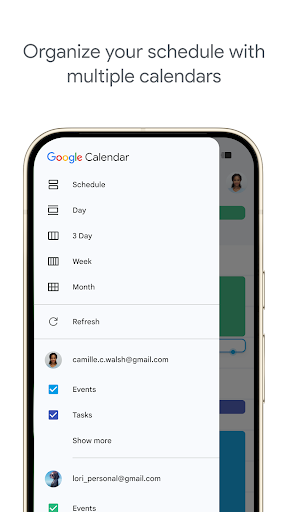
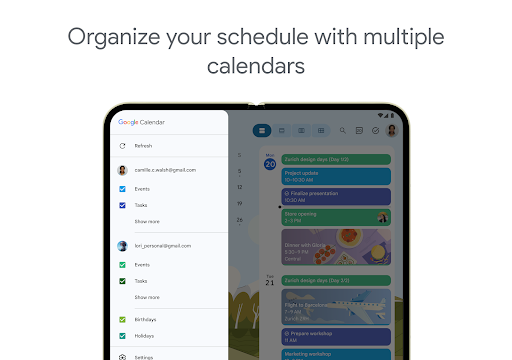
Multiple account calendars? Combine them all into one view to save you from being annoying!
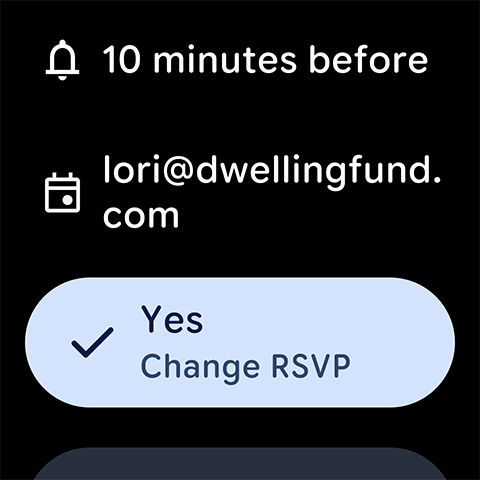
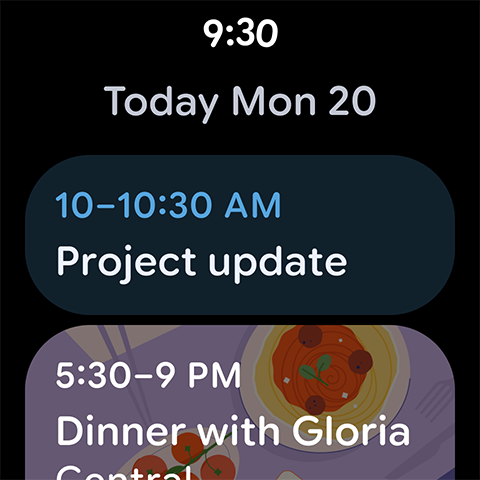
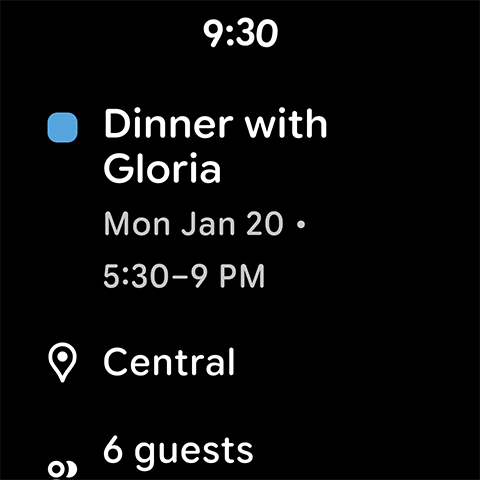
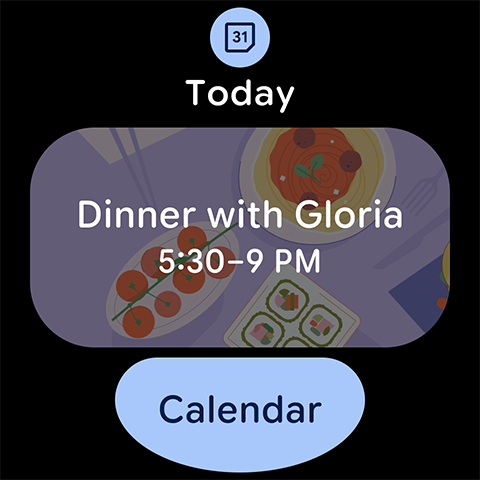
As soon as the watch is lifted, the reminder will arrive-yes, even Wear OS is clearly arranged!
Teamwork? Once the shared calendar comes out, everyone's time fits together like a jigsaw puzzle. It's cool!
Advantages
- +God, it's so easy to sync with apps like Gmail and Google Tasks! Schedule management instantly becomes orderly, which is simply too exciting.
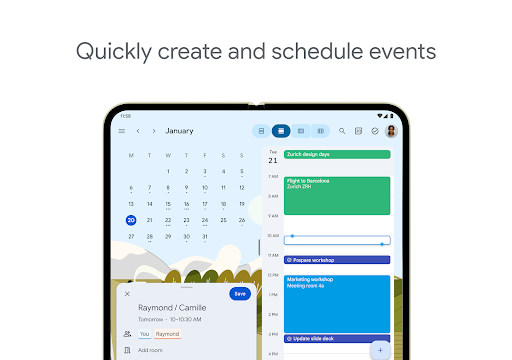
- +The operation is super smooth, it takes a few clicks to create the event, and the navigation is also very smooth. Whether your skills are small or a great god, you can easily get started!
- +There are all web terminals, Android, and iOS. You can check the calendar anytime and anywhere by taking out your mobile phone or computer, and you are no longer afraid of missing important arrangements.
- +Custom reminders do whatever you want, and you never have to worry about forgetting an appointment or meeting again. Efficiency is soaring, and whoever uses it knows!
- +Easily share the calendar with colleagues or family members, and everyone coordinates the time together. It's a tacit understanding.
Limitations
- -How can there be multiple reminder types for the same event? I can only adjust it manually, which is really annoying. If you want to remind you more, you have to trouble yourself.
- -Want to make a to-do list or track the progress of a project? Sorry, I had to find a third-party application or mess with integration, which took a few more steps.
- -Hey, I just finished making changes here, but it hasn't been refreshed there yet. I have to manually refresh or wait for the server status, which somehow slowed down.
- -Many functions cannot be used when there is no Internet, and updates have to be connected to the Internet. Although Google may improve offline support in the future... for now, it's really annoying.
- -The same event can occur several times due to synchronous conflicts! I can only try clearing the cache or finding customer service to solve it temporarily. I hope I won't go through this trouble in the future.
[SECURE LINK] You are being redirected to the official app store.
FAQ Protocol
Q: How to create or edit an event in Google Calendar?
It's actually super simple! Open the Google Calendar App, click the "+" sign or simply click on the date you want to add the event, and then fill in the specific information. Time, place, remarks, etc. can be changed as you please, without any trouble at all.
Moreover, it can also set up reminders, invite others, create repeated events, etc., which is quite comprehensive. Whether it's Android or Apple, it's easy to use, and managing your schedule is a breeze ~
Q: Is Google Calendar safe on my device?
Of course it's safe! Google was designed with safety first, so you can safely use it to manage your work and personal schedules. It uses great encryption technology to protect your data, whether it is in transit or stored.
You know the brand of Google, it's reliable! Your App experience is absolutely safe, and it is constantly updated to patch vulnerabilities. Use this App on Android or iPhone and your schedule privacy will be guaranteed.
Q: Can Google Calendar sync between multiple devices?
Of course I can! One of its biggest highlights is the seamless synchronization of various devices. Whether you are Android or Apple, the calendar will be updated in real time, which is super worry-free.
This App allows you to see your schedule anytime, anywhere, making it a reliable schedule steward. The synchronization process is particularly smooth, and the experience is great every time you use it!
Q: Does Google Calendar support international time zones?
Support! No problem at all! You can easily set your location or event location so that no matter what time zone you are in, the time displayed in your schedule is correct.
This is very practical for people who travel frequently or work with teams in different regions. This feature makes it easy and efficient to handle multiple time zones, and it makes it feel like it is used!
Q: How to customize notifications in Google Calendar?
You can set notifications according to your preferences, such as pop-up reminders or email notifications, and you can remind you any way you want. You can also set multiple reminder times before the event starts, which is entirely up to you.
This level of customization gives you a better experience and no longer has to worry about missing important dates. It also makes the App more considerate and helps you plan your busy schedule more efficiently ~
Q: Is Google Calendar suitable for work?
Of course it suits! Many people rely on it to make personal and professional schedules. It can share calendars with colleagues, set up meetings, and seamlessly interface with other Google office software.
As a powerful schedule management tool, it has a particularly good experience whether it is used to manage meetings or deadlines. Whether you are office workers or ordinary users, you are a trustworthy choice!
Q: How do I install Google Calendar on my device?
Super simple! If you use Android, it's usually installed at the factory. For other devices, you can find them by going to the Google Play Store or the Apple App Store.
After installation, log in to your Google account, your schedule will be synchronized immediately, and you can enjoy a smooth experience on all devices ~
Q: Can I use Google Calendar without the Internet?
Yes! This App supports offline use, and you can view and edit calendars when you are off the Internet. When you connect to the Internet, all changes will be automatically synchronized and your schedule will not be messy.
This function is particularly friendly to places where you often travel abroad or where the Internet is unstable, allowing you to reliably manage your schedule anytime and anywhere, and your experience has been raised to a higher level!