Sky Go
Visual Data
Briefing
Core Data
Core function-what can it do?
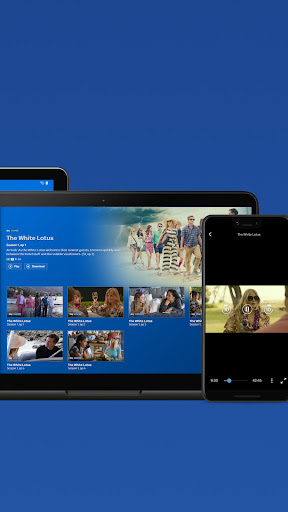
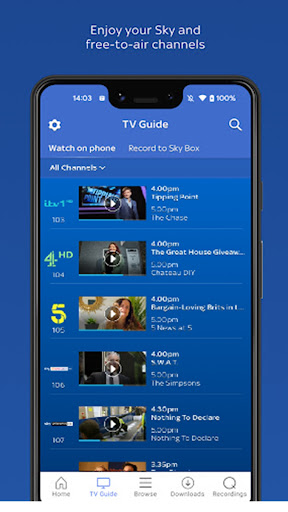
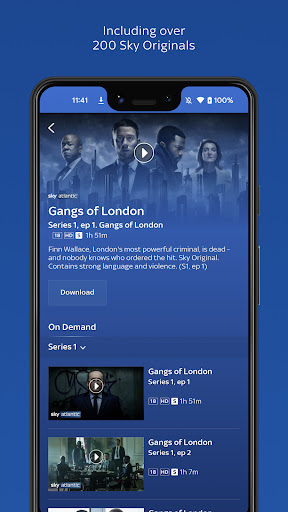
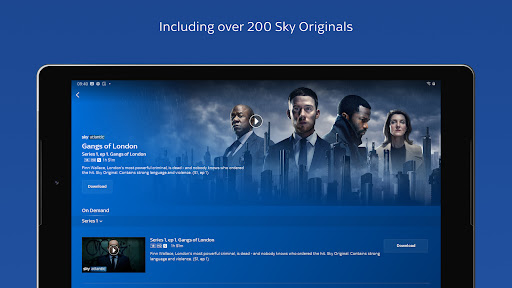
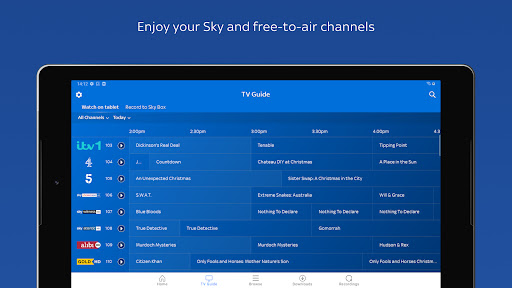
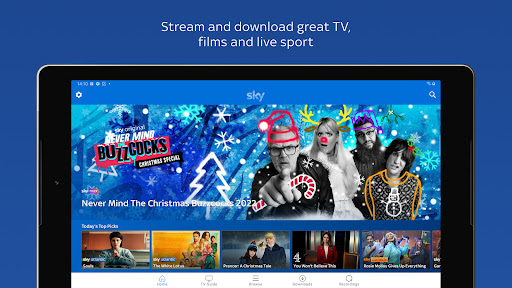
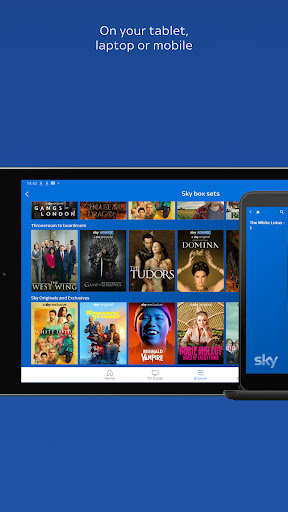
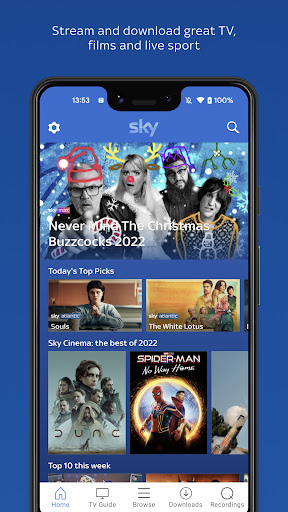
To be honest, this thing is literally turning your mobile phone into a mobile TV! Want to watch Sky's live channel? Sports and entertainment, there are many things, and you will see them wherever you go. Huge resources for movies and TV dramas? Put it at one o'clock, you don't have to look for it for a long time. The most amazing thing is that you can download it locally! No Internet? It doesn't matter, watch it slowly offline on the plane or on the subway. Recording programs remotely? If you are outside, move your fingers, and the Sky box at home starts to work. The interface is designed to be super simple, and finding content is as easy as flipping through a magazine. You can also create an exclusive film list so you don't get lost after chasing the drama. The high-definition picture quality will not be stuck, and the optimized streaming media technology will let you bid farewell to waiting. By the way, even subscription plans and bills can be managed directly in the App, which saves you a lot of trouble!
Who is this App suitable for?
To put it bluntly, it is tailor-made for subscribers to Sky TV in the UK. Especially those office workers who are too busy to touch the ground all day, or parents whose family has to comfort their children when they go out. Think about it, squeezing the subway on the commuting road and pulling out your mobile phone to watch a Premier League live broadcast is much more exciting than swiping boring Short Video? Driving for a long distance, the naughty child quarreling in the back seat? Download a few cartoons in advance, and the world is instantly silent. Business trips, overtime, travel, even if you miss the live broadcast, you can make up for it on the way. Really, it's like your portable movie theater, sports field and drama chasing artifact.
Why did you have to choose it?
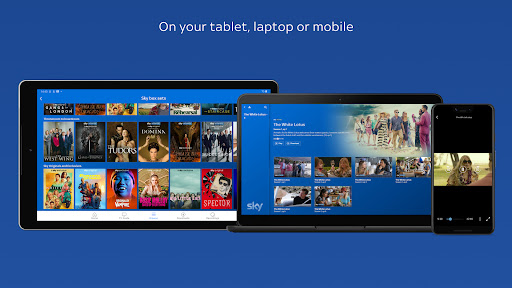
Think about it, this App can turn your mobile phone or tablet directly into a second TV without having to drag a cord or move a set-top box. How cool it would be! Everything in your Sky account-exclusive dramas, live football games-is stuffed into your pocket. Those ordinary on-demand apps? There is no way to compare. It connects seamlessly directly to your Sky Box, recording programs remotely, and making personalized recommendations. The smart download function is particularly considerate. Click it before going to bed at night and watch it on the road the next day. It plays as steady as a stone, without any hesitation. It is simply the exclusive secret weapon of Sky users!
System Features
Look at it any time, anywhere!
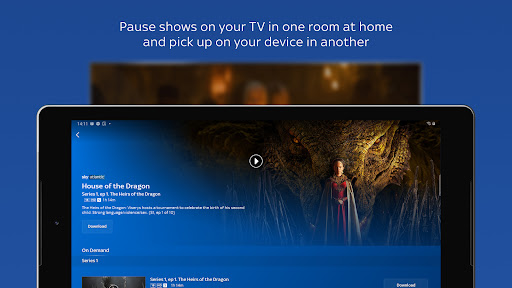
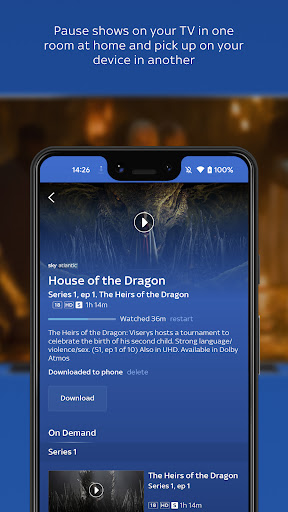
This small portable TV box is simply a mobile theater! Whether you are cooking on the living room sofa, bedroom bed, or kitchen-or even running into a garden shed on a whim? As long as you want, it can switch seamlessly and let you keep watching. Shuttles through multiple rooms at will, pause and continue, without having to rush.
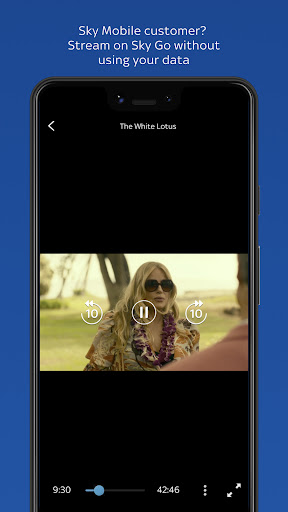
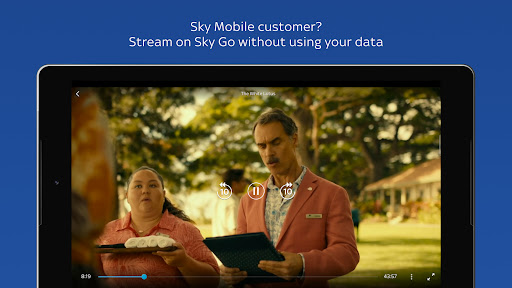
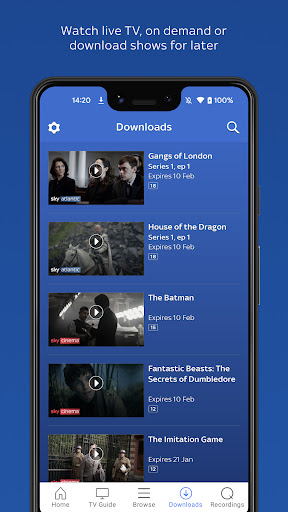
What's even better is that watching videos using Sky Mobile doesn't cost any traffic! Yes, you heard correctly-zero data flow! On the commuting road, subways, and buses, you can browse live broadcasts at any time, and you no longer have to worry about excessive traffic. You can also download good programs in advance and watch them slowly offline. There is no pressure on the plane, in the basement, and in places with poor signal.
Moreover, your mobile phone can directly watch live channels and follow games and news anytime and anywhere. The best thing is that you pause on one device and switch to another device and can still play it again, just like the TV will follow you. It's simply a blessing for lazy people. Whoever uses it will know!
Advantages
- +Sky Go has more than 300 live channels, including exclusive events such as the Premier League and F1. It is tailor-made for those who want to throw away cable TV!
- +Up to four devices are playing at the same time, and there is nothing stuck at all. Everyone at home can watch whatever they want, and there is no need to grab the remote control anymore. It's perfect!
- +The App will automatically help you record your favorite programs and save them for a full 30 days! A divine drama like "The Battle of Inheritance" will not miss an episode. It's great!
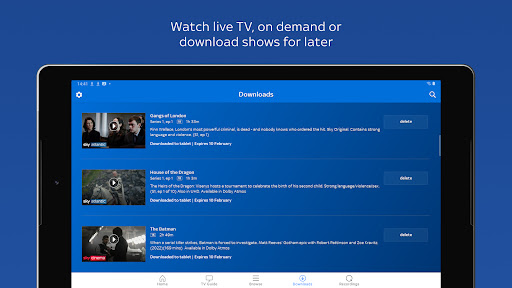
- +Download movies and episodes to your mobile phone or tablet and watch them offline while flying or taking a train. Commuters love this feature!
- +The AI-driven search bar is super intelligent. You can directly search for actors, genres or keywords and produce results in seconds, so you no longer have to waste time flipping around!
Limitations
- -You have to pay for the Sky TV package first, otherwise most of the live broadcast and on-demand content will be locked, and the value of the app will be greatly reduced when used alone. Sigh...
- -If you connect to public WiFi or not Sky's own network, the 4K picture quality may suddenly drop to 720p. It's really crazy when watching the game!
- -You can't directly project or AirPlay on most smart TVs, you can only watch it on the small screen of your phone or tablet. Isn't it irritating?
- -The two tabs "browse" and "discover" are confusing. People who don't understand much technology are simply lost trying to find a recorded program, which is too troublesome.
- -Unlike Netflix, Sky Go will insert non-skipping advertisements in on-demand programs. When it's a good time to follow the show, a sudden episode comes, and the mood is instantly lost!
[SECURE LINK] You are being redirected to the official app store.
FAQ Protocol
Q: How to sign in to Sky Go on an Android device?
It's actually very simple! You can log in with your Sky ID and password. If you forget? Don't worry, there is a "Forget password" link on the login page. Just click it. But remember, this app requires you to have a valid Sky TV subscription to watch live and on-demand content.
Q: Is Sky Go safe to download and use?
Well, absolutely safe! This is the official application of Sky UK Limited and can be downloaded from the Google Play Store. It follows standard security measures and does not impose arbitrary authority. But then again, like all Android apps, be sure to download them from the official store, and don't try to download fakes at a cheap price!
Q: Can I watch Sky Go on multiple devices simultaneously?
Yes! Sky Go allows you to watch on up to two devices at the same time. However, some content may have limitations, so it's best to check your subscription details to see how many simultaneous viewing options your plan supports.
Q: Why is Sky Go unusable or keeps crashing?
Alas, encountering this kind of situation is really annoying! First confirm whether the Android version of your device is above 5.0? Then clean up the application cache and update to the latest version. Not yet? Then try uninstall and reinstall. In addition, slow networks can also cause jams. Check your WiFi or mobile data.
Q: Do I need to subscribe separately for Sky Go?
No, no! Sky Go comes free with your Sky TV subscription and doesn't cost extra. You just need to activate it online with Sky ID. However, be aware that some pay-per-view programs may have to be subscribed separately.
Q: Can I download shows and movies for offline viewing on Sky Go?
Yes! There is a download option in the app, and some programs can be saved locally and can be viewed without the Internet. However, downloaded content usually expires after 30 days, and it will disappear 48 hours after you start watching it, so hurry up and watch it!
Q: How fast is the Internet speed required to use Sky Go?
Well, you need at least 2 Mbps to watch standard definition, and at least 5 Mbps to watch HD. If your network is unstable, the app will automatically adjust the image quality to avoid jams, which is quite thoughtful.
Q: How to project Sky Go on TV?
You can cast the screen! If you have a Chromecast or Android TV, Sky Go supports Google Cast. Open the application, play the content, click the screen projection icon, and select your device. However, be aware that due to copyright restrictions, screen mirroring may not be applicable to some programs.